Video editing brief
Give an editor the audience, point, source files, delivery format and review constraints.
- WhenBefore handing off footage
- ForCreators commissioning an edit
- Inside3 checks · 22 fields
PDF, A4, 2 pages · No email needed
00:10What's inside
Tick it off as you go.
Your ticks stay in this browser, so you can close the page and come back to it.
00Fill in
On the printout or in the Word version.
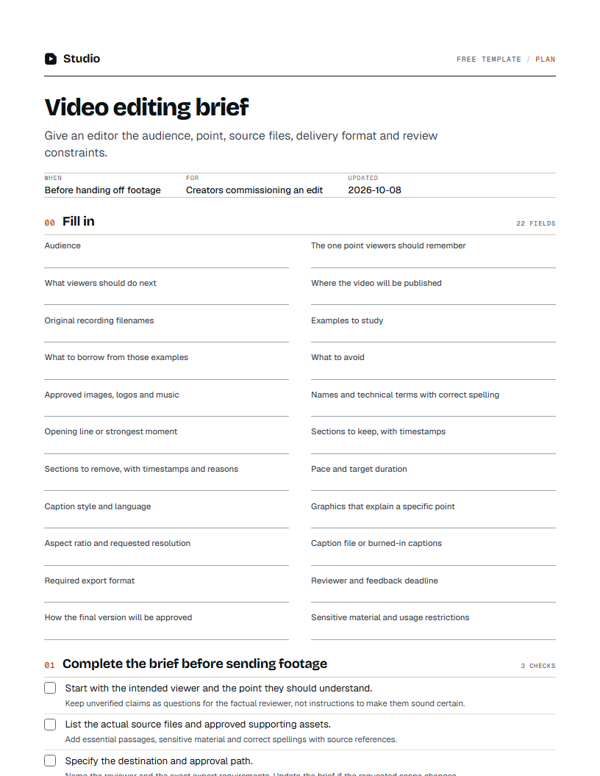
- Audience
- The one point viewers should remember
- What viewers should do next
- Where the video will be published
- Original recording filenames
- Examples to study
- What to borrow from those examples
- What to avoid
- Approved images, logos and music
- Names and technical terms with correct spelling
- Opening line or strongest moment
- Sections to keep, with timestamps
- Sections to remove, with timestamps and reasons
- Pace and target duration
- Caption style and language
- Graphics that explain a specific point
- Aspect ratio and requested resolution
- Caption file or burned-in captions
- Required export format
- Reviewer and feedback deadline
- How the final version will be approved
- Sensitive material and usage restrictions
01Complete the brief before sending footage0/3
Keep unverified claims as questions for the factual reviewer, not instructions to make them sound certain.
Add essential passages, sensitive material and correct spellings with source references.
Name the reviewer and the exact export requirements. Update the brief if the requested scope changes.
00:20Next on your list
See all templates
More free templates.
-
7 checks · 11 fields
Podcast interview plan
Plan an opening, a useful question sequence and an ending without scripting the guest. -
12 columns
Video content calendar
Plan recordings, clips, review dates and publication without a forced posting quota. -
3 checks · 18 fields
Video style sheet
Record the recurring visual and editorial choices an editor needs to match.
00:30Your next step
Start with your recording
Edit this recording in Studio
30 free minutes · No card
Turn the brief into edit instructions.
Choose your upload options, then use the video’s chat to request a specific correction.
Free tool for this step: Content repurposing planner